
How to create key pair in OpenStack Dashboard on CloudFerro Cloud
Open Compute -> Key Pairs
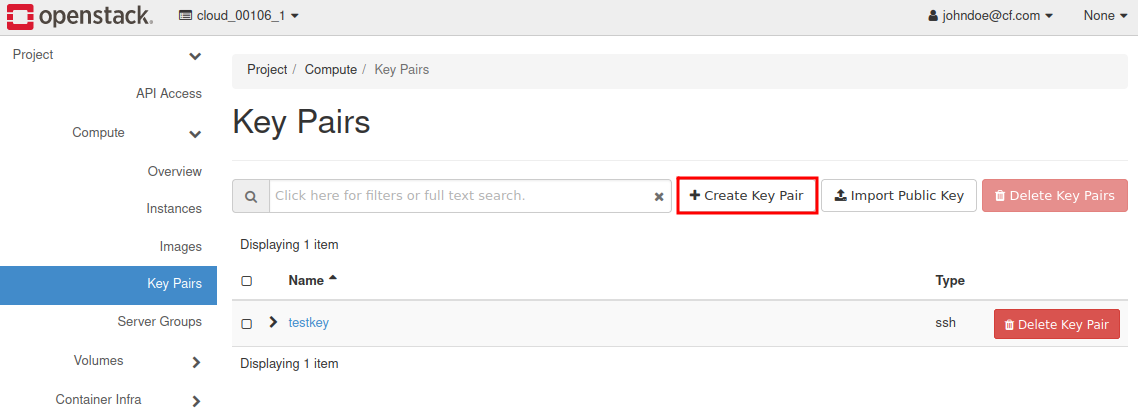
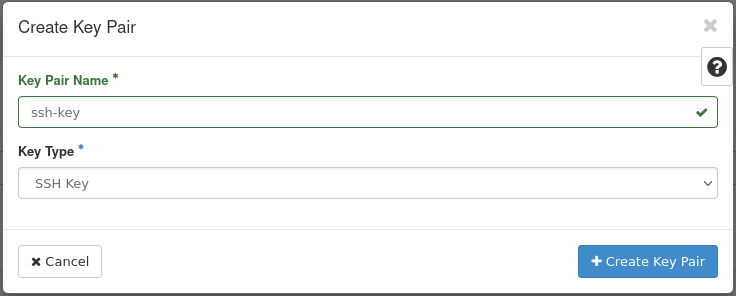
Click Create Key Pair, insert the name of the key (eg. “ssh-key”) and Key Type.
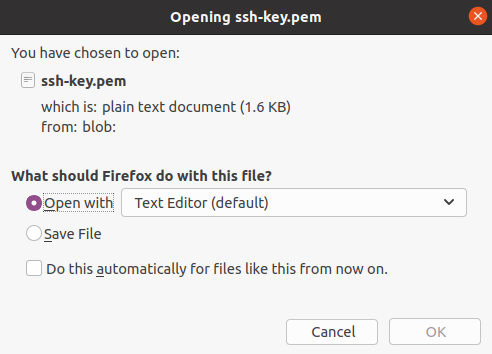
After generating Key Pair your new Private Key download window will appear. Click Open with Text Editor
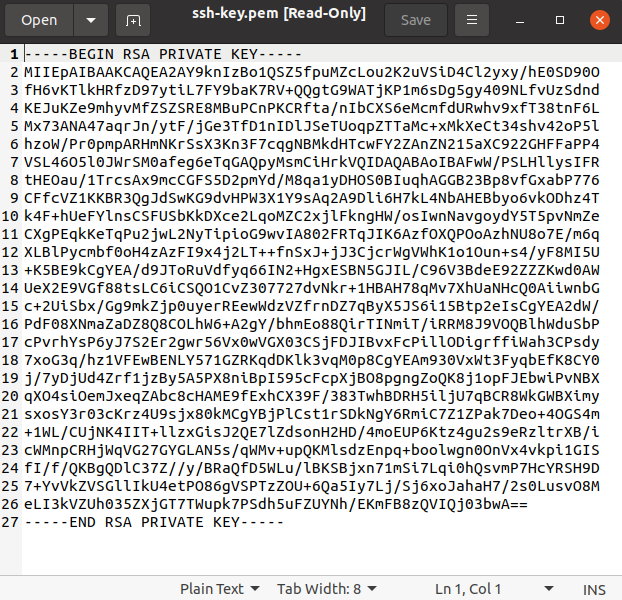
Save the key as “id_rsa” in the folder of your choice (in linux the keys are usually kept in ~./ssh folder).
In case of linux you should change the permissions on the private key:
$ sudo chmod 600 id_rsa
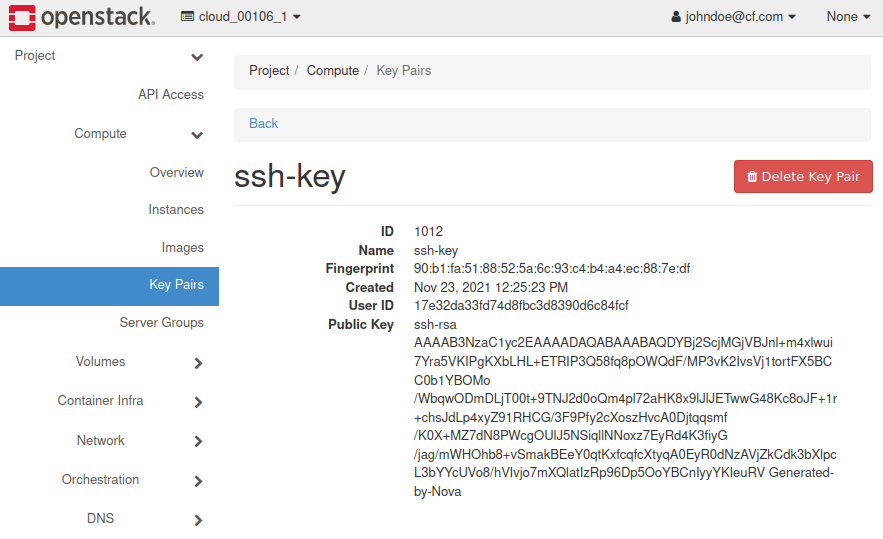
Click key name in Key Pairs menu and read your public key. You can also save the key to a file like the private key. For example named “id_rsa.pub”.
To connect via SSH to your Virtual Machine using Linux, follow the steps in this FAQ:
How to connect to your virtual machine via SSH in Linux on CloudFerro Cloud
To connect via SSH to your Virtual Machine using Windows (Command Prompt), follow the steps in this FAQ:
How to connect to a virtual machine via SSH from Windows 10 Command Prompt on CloudFerro Cloud