
Prepare your first function on CloudFerro Cloud
To reproduce the sum-numbers example, you need access to Functions in the right organization and region, plus the Python handler and its tests. This preparation leaves the portal open and the files ready for the creation form. You create and test it in the browser, without a local Python environment, an Object Storage bucket, or a messaging service.
Prerequisites
No. 1 Portal account and organization access
You need access to My Portal and the Functions page for your organization.
No. 2 Product availability and permissions
Your organization needs an active service or contract, and your account needs the role required to use Functions. The product must be available in the region where you will create the resources. If access is restricted, ask your organization administrator to check these requirements; the Functions troubleshooting guide lists the possible causes.
Open Functions in My Portal
Sign in to My Portal.
Sign in to My Portal.
Select the correct organization if the account can access more than one.
Open the product catalogue or the list of active services.
Choose Functions.
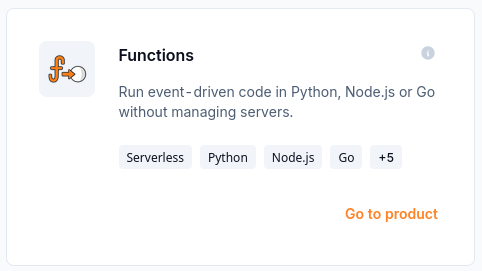
The Functions card opens the service from the product catalogue.
Product availability
A product can be hidden, or can return an error page, when:
it is not listed in the Product Catalogue;
it has no configured endpoint in the selected region;
the user does not have the required role;
the product interface did not load;
the organization has no active service or contract.
If Access restricted appears, check the selected organization, your permissions, and product availability in the catalogue. This screen does not mean that a resource has failed.
Regions
Check the Region selector on the Functions page and the namespace usage shown under Organization quotas. Choose the region where you want the example to run and check that your organization has room for a namespace. The Control Plane and the resources are regional; they are not replicated between regions automatically.
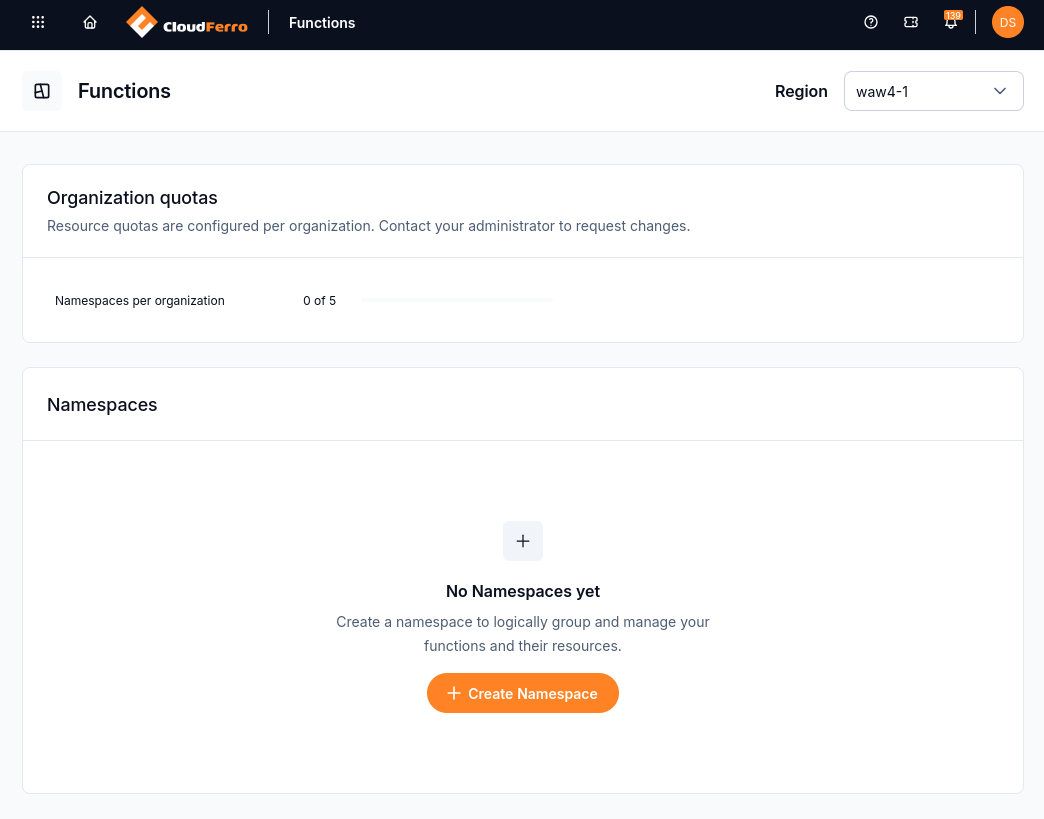
Check the selected region and namespace quota before opening the creation form.
Region selection:
is remembered in the browser;
is stored separately for each service;
is selected automatically when only one region is available;
when several regions are available, uses the last selection, the default region, or the first available region.
Changing the region in Functions does not change the region in RabbitMQ or NATS. Before you create a trigger, check the region of both resources.
Prepare the Python files
The creation guide uses Create from scratch with Python 3.13. That option loads the runtime’s template into the portal editor. Save these two files so you can copy their complete contents into the matching tabs:
func.py — the sum-numbers handlerreads the JSON request and returns the total.test_func.py — tests for that handlerchecks the successful calculation and invalid inputs.
Open the downloaded files in a text editor when you need to copy them. They do not need to be executed locally. The generated /__init__.py tab stays unchanged; the creation guide shows which other tabs to replace.
Choose the example values
Use the following values in the creation form. The resource-size example comes from the captured portal session; select an available option in your region.
Field |
Example value |
|---|---|
Namespace name |
function1, or another unique name if that namespace already exists. |
Function name |
sum-numbers |
Runtime and version |
Python 3.13 |
Container port |
8080 |
Function path |
/ |
Resources size |
128 MB - 70 mVCPU in the example session. |
Environment variables and secrets |
None are needed by this example. |
Preparation is complete when Functions is open in the selected organization and region, and both Python files are available. The namespace and function are created in the next article.
What to do next
Continue with Create and deploy a function on CloudFerro Cloud to create the namespace, load the source template, paste the files, and deploy the first version. After deployment, Test a function and manage its endpoints on CloudFerro Cloud sends the three-number request and checks for HTTP 200 and total: 60.