
Test a function and manage its endpoints on CloudFerro Cloud
After deploying a function, send a request to check its response before connecting an application or event source. The portal’s Test tab supports HTTP requests and CloudEvents, while Endpoints controls the addresses used to reach the function.
Prerequisites
No. 1 Portal access and an existing function
Open Functions in the organization and region that contain your function. Follow Create and deploy a function on CloudFerro Cloud if you still need to create a namespace and build a function. Deploy a version before sending test requests.
Endpoints
You can:
view and copy the private endpoint;
add one public endpoint;
copy the public URL;
remove the public endpoint.
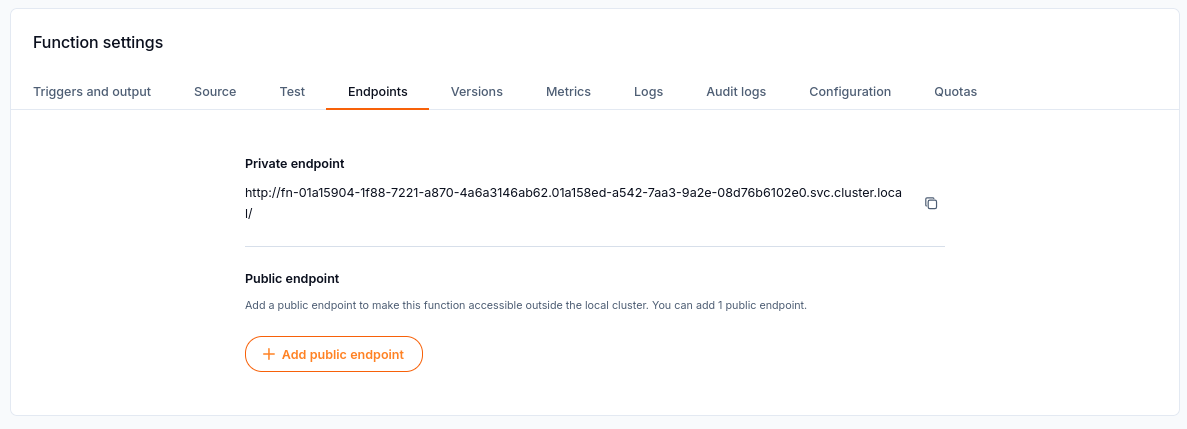
Endpoints shows the private address and the option to add one public endpoint.
A private function is not reachable directly from the internet.
Send a test request
Open the deployed function and select Test.
Choose the request mode that matches the function:
HTTP POST provides a path, headers, and a request body.
Event-driven uses binary HTTP CloudEvents mode.
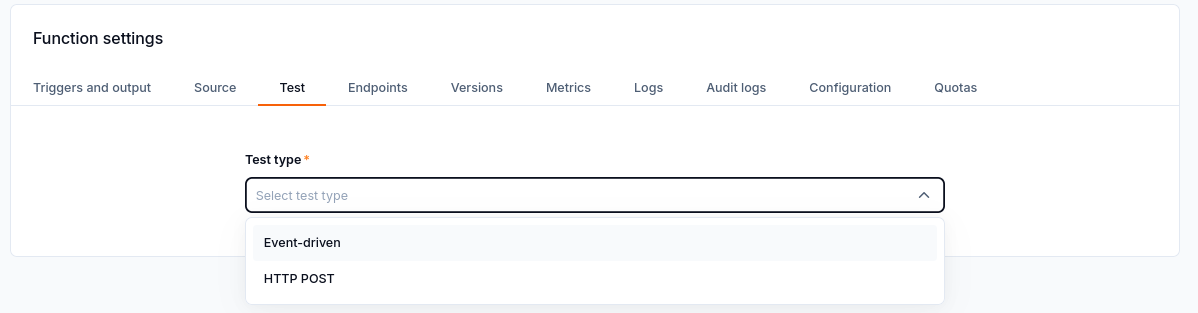
The Test type selector offers Event-driven and HTTP POST requests.
Enter the request values expected by the function code and send the request.
Read the response status and body.
Test the sum-numbers example
After deploying the Python example from the creation guide:
Select HTTP POST and keep Custom path set to /. Changes to the custom path apply only to this test request.
Put only the following JSON in Request body:
{"numbers": [10, 20, 30]}
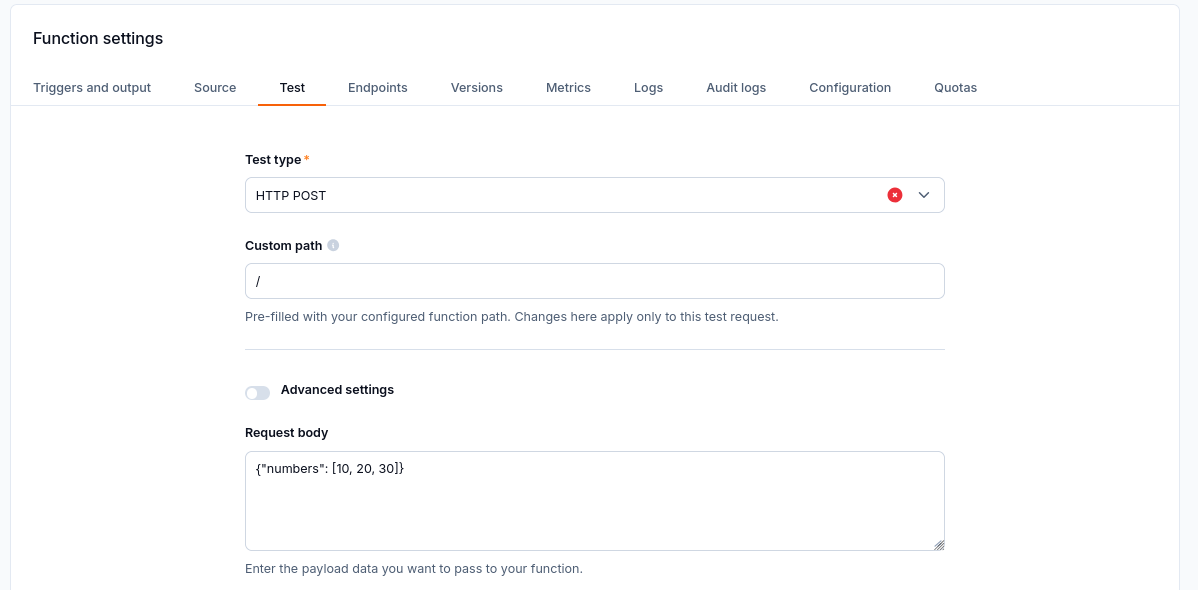
The HTTP POST request body contains only JSON, with Custom path set to /.
Do not paste
Content-Type: application/jsoninto the body. It is a header. If you need to set request headers, use Advanced settings. This example reads the JSON without requiring you to add that header.Select Send request, then scroll down to Response.
Check for HTTP/1.1 200 and the following body:
{"total": 60}
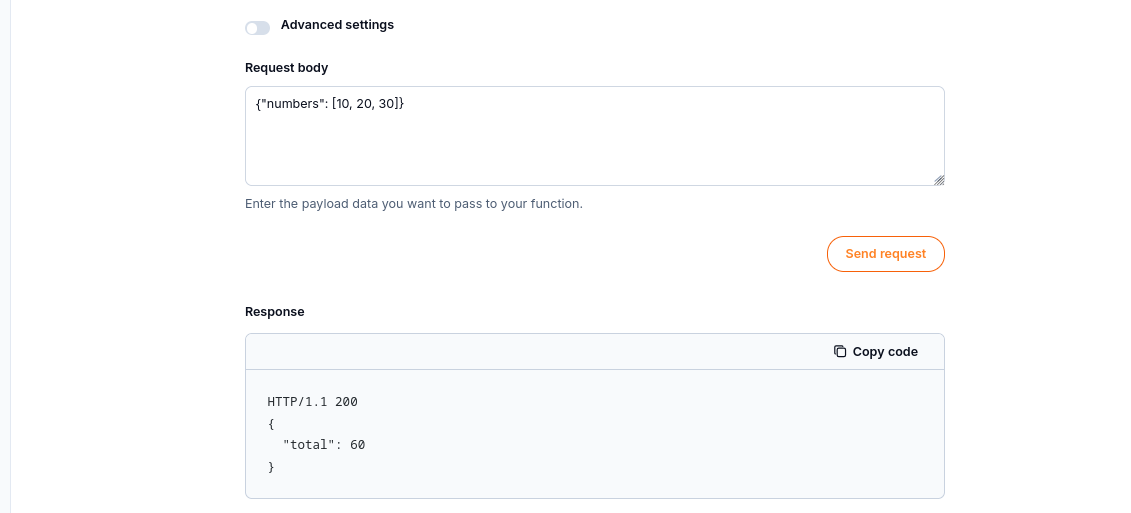
The response shows HTTP/1.1 200 and a total of 60.
Test an event-driven function
For code that expects CloudEvents, choose Event-driven and supply the event values expected by that function.
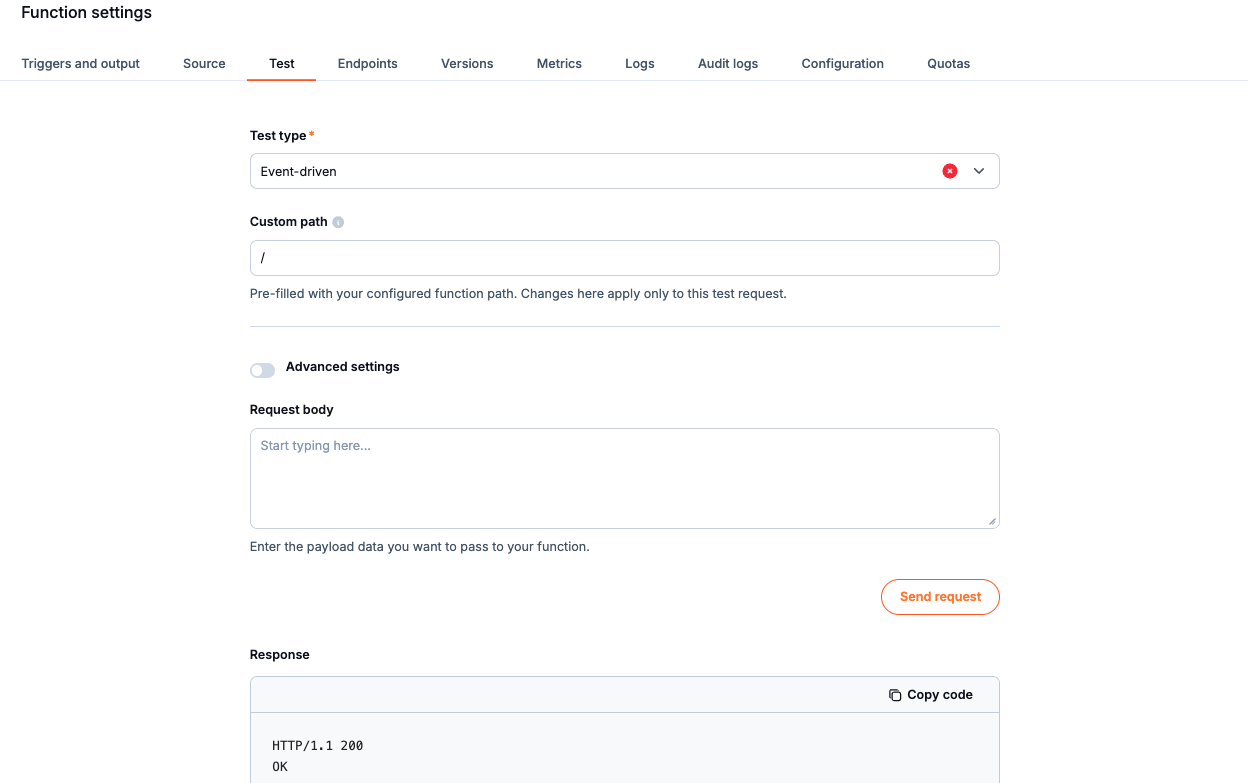
Event-driven test form and response.
A 4xx or 5xx status returned by the function code is a test result. It is not always a Control Plane error. Check the response alongside the function logs to understand what the code returned.
What to do next
Use Configure function triggers and outputs on CloudFerro Cloud to connect the working function to an event source. If the result is unexpected, continue with Monitor and troubleshoot Functions on CloudFerro Cloud.