
Configure function resources and scaling on CloudFerro Cloud
A function’s runtime needs enough CPU and memory for the task, and its scaling settings determine how many copies can run. The configuration also supplies the port, path, environment variables, and secrets expected by the code.
Prerequisites
No. 1 Portal access and an existing function
To change an existing function, open it in its namespace within the correct organization and region. If you are choosing settings for your first function, use this page as a reference before following Create and deploy a function on CloudFerro Cloud; an existing function is needed only for the configuration changes.
Find the function settings
Tab |
Purpose |
|---|---|
Overview |
Basic information about the function: status, region, function ID, endpoint URL, resources, autoscaling, and privacy, plus a link to the configuration tab. |
Triggers and output |
Define triggers (RabbitMQ / NATS / CRON), add an output, and test the configuration for RabbitMQ or NATS. |
Source |
Information about the source code. On this tab you can edit the code in the browser and build a new function version. |
Test |
Send the function a test event as a plain HTTP POST or as CloudEvents. |
Endpoints |
Shows the private endpoint URL, with an option to copy it, and lets you create a public address for the function. |
Versions |
Lists the available function versions. You can Deploy, Terminate, Download, or Delete. |
Configuration |
Flavor, environment variables, and limits, plus a warning about unsaved changes. |
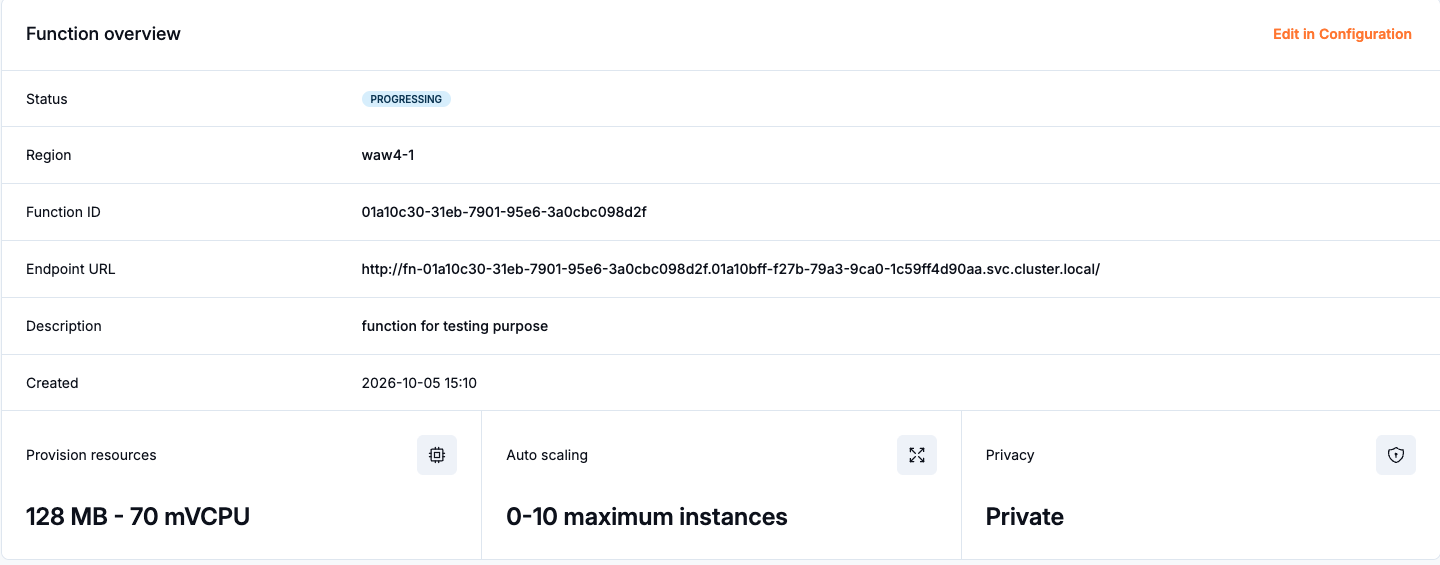
Function overview with status, endpoint, resources, scaling, and privacy.
Configuration
On the Configuration tab, change the settings needed by your function. The tab warns about unsaved changes.
Section |
Settings |
|---|---|
General information |
Description, container port, and function path. |
Resources and scaling |
Resource variant (flavor), timeout, scaling mode, and scaling parameters. |
Environment variables and secrets |
Values used by the application. |
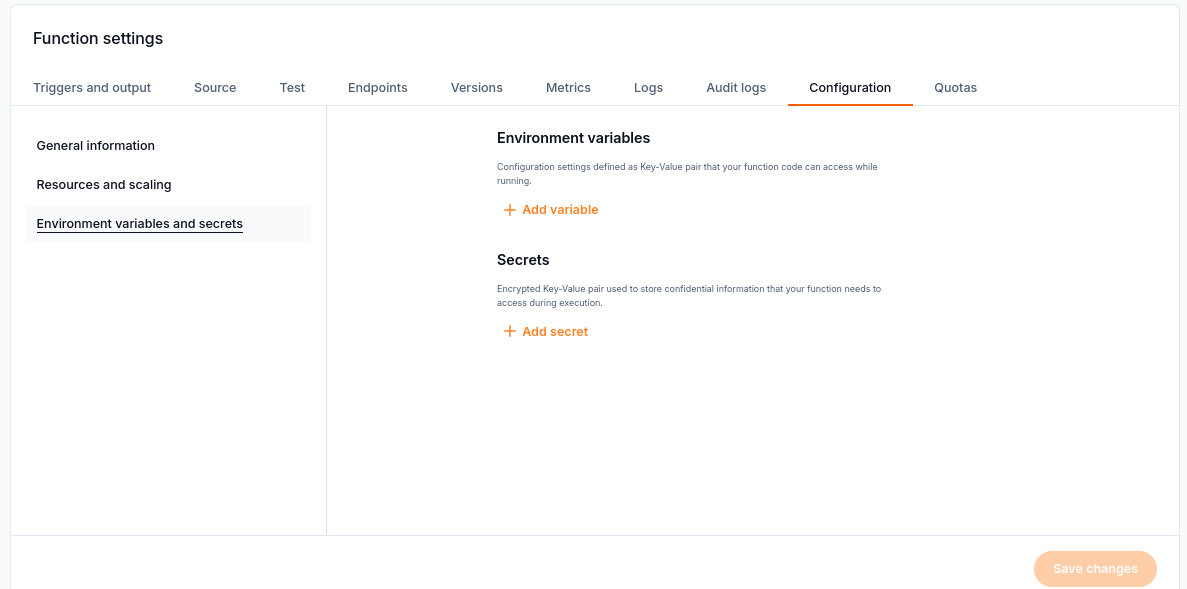
Configuration provides separate controls for environment variables and secrets.
Warning
The API does not show secret values again. When you edit this section, make sure you keep every value the application requires.
Scaling
Select Resources size to choose the flavor for each replica. The creation form exposes the same resource choice.
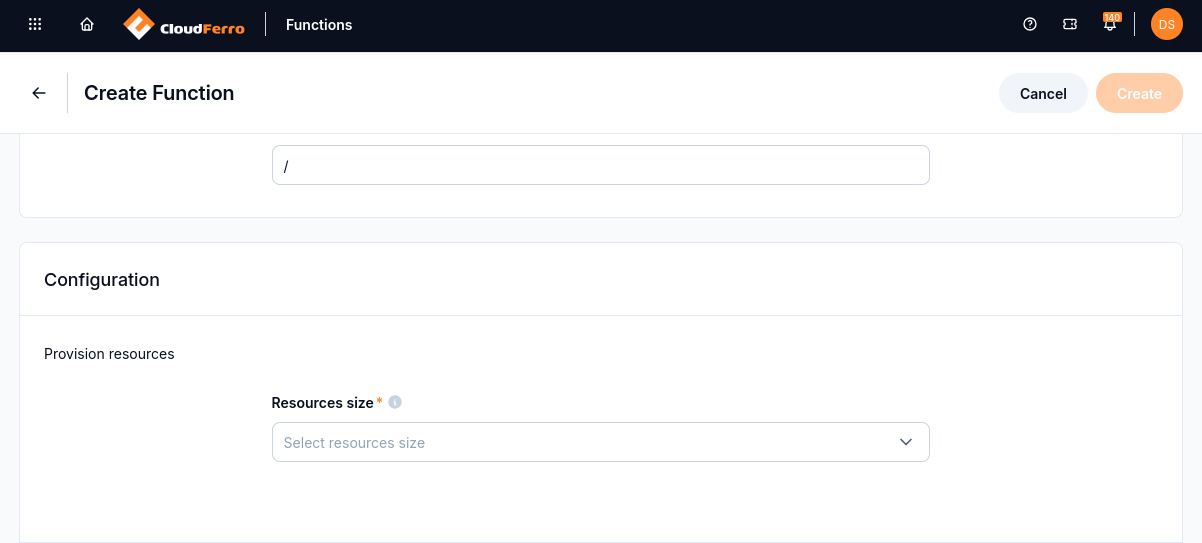
The Resources size selector sets the CPU and memory available to a replica.
Functions can scale according to these criteria:
KPA — based on requests. An idle function, with no incoming events, can scale to zero.
HPA — based on the resource usage of a running function. The resource is CPU or memory. At least one replica must keep running.
With KPA and zero replicas, expect a delay while the function starts on demand. That delay is a cold start.
Setting |
What to choose |
|---|---|
Flavor |
CPU and RAM for each replica. Match these to the processing and memory needs of the code. |
Minimum replicas |
How many replicas remain ready. KPA can use zero; HPA requires at least one. |
Maximum replicas |
The upper limit for scaling the function. |
Timeout |
Time allowed for a request, within the service limits. |
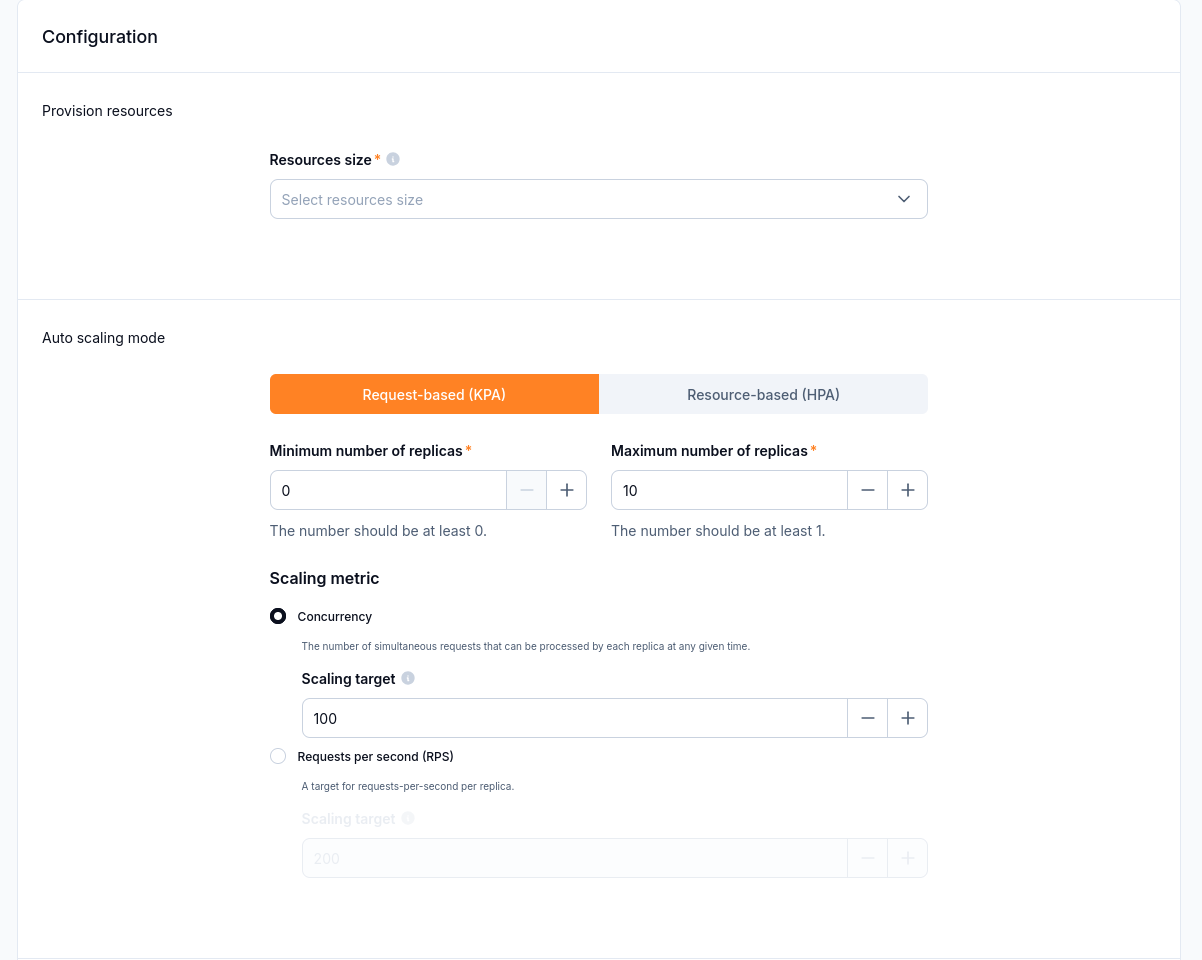
Request-based scaling exposes replica limits, a scaling metric, and its target.
An occasional metadata check can use KPA with zero idle replicas. For an interactive endpoint that needs a prompt response, keeping a replica running avoids the startup delay caused by scaling to zero.
What to do next
For endpoint access and test requests, continue with Test a function and manage its endpoints on CloudFerro Cloud. Use Configure function triggers and outputs on CloudFerro Cloud for messaging and schedules, Monitor and troubleshoot Functions on CloudFerro Cloud for logs and limits, or Manage function versions and resources on CloudFerro Cloud to stop deployments and delete resources.