
Billing and Reporting on CloudFerro Cloud
When you need to understand a charge or find an invoice, Billing and Reporting brings the organization’s billing views together. Payment history shows payment activity, while billing reports show resource usage and costs.
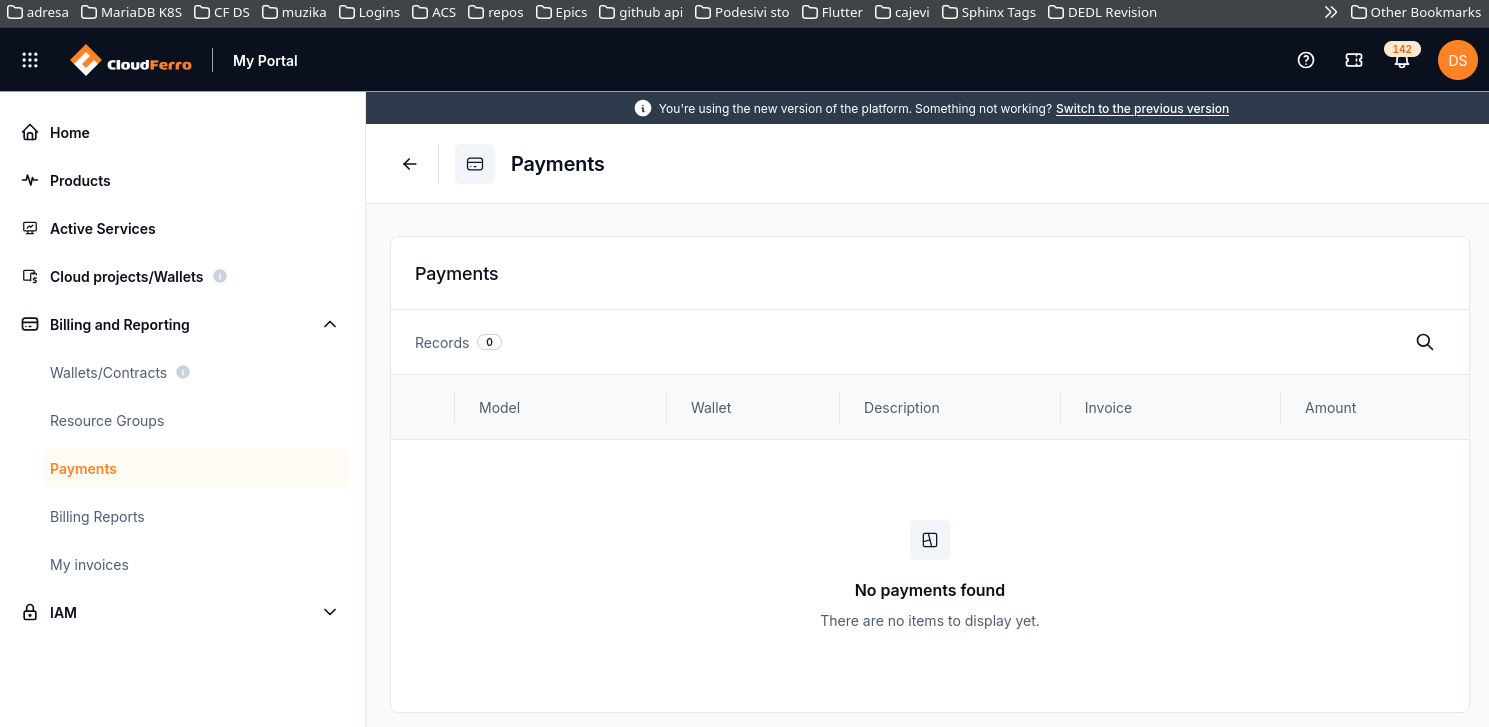
Billing and Reporting is expanded in the menu. Payments is selected; this example has no payment records.
Use Wallets/Contracts for the billing arrangement and prepaid funds, and Resource Groups for resource-to-billing associations. Choose Payments to check a payment, Billing Reports to investigate usage and costs, or My invoices to find an invoice.
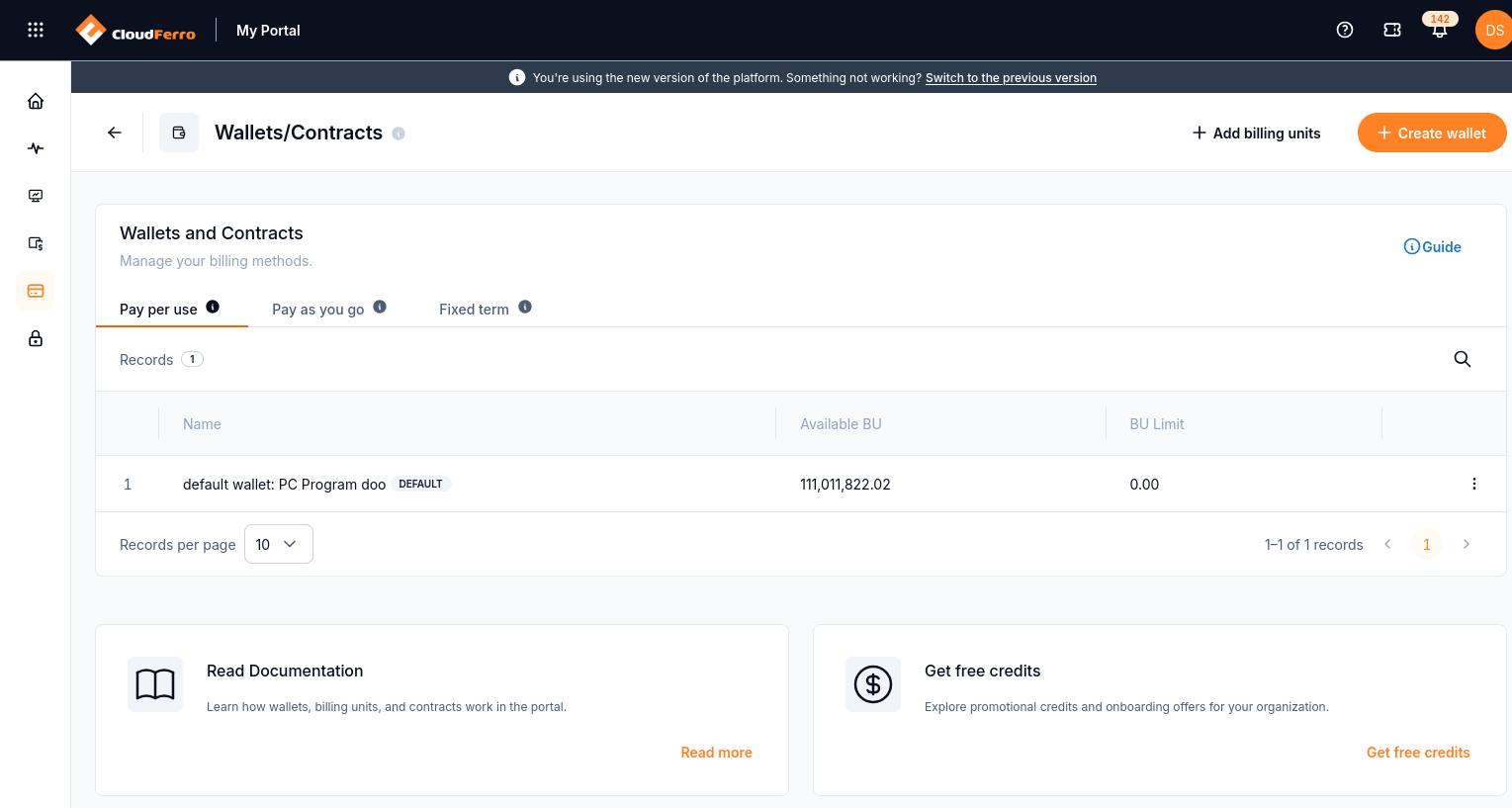
Billing and Reporting → Wallets/Contracts opens the wallet and contract views. Pay per use is selected here.
What to include in a billing enquiry
Give the organization name, affected wallet or invoice reference, the amount or data shown, and what you expected to see. Add the date, product, resource, and region where they help identify the issue.
If the page itself fails to open, include its name and the displayed error. If the page opens but its data is unexpected, describe that discrepancy. These details help support investigate the correct problem.
To send an enquiry, use How to use Tickets in My Portal for CloudFerro Cloud.