
My invoices: find an invoice on CloudFerro Cloud
When you need an invoice for your records or a billing enquiry, open My invoices. Use the organization and billing period to identify the document you need.
Find an invoice
Under Billing and Reporting, open My invoices.
Find the invoice by Number. Check Net price, Due date, Status, Contract, and Report to identify the document you need.
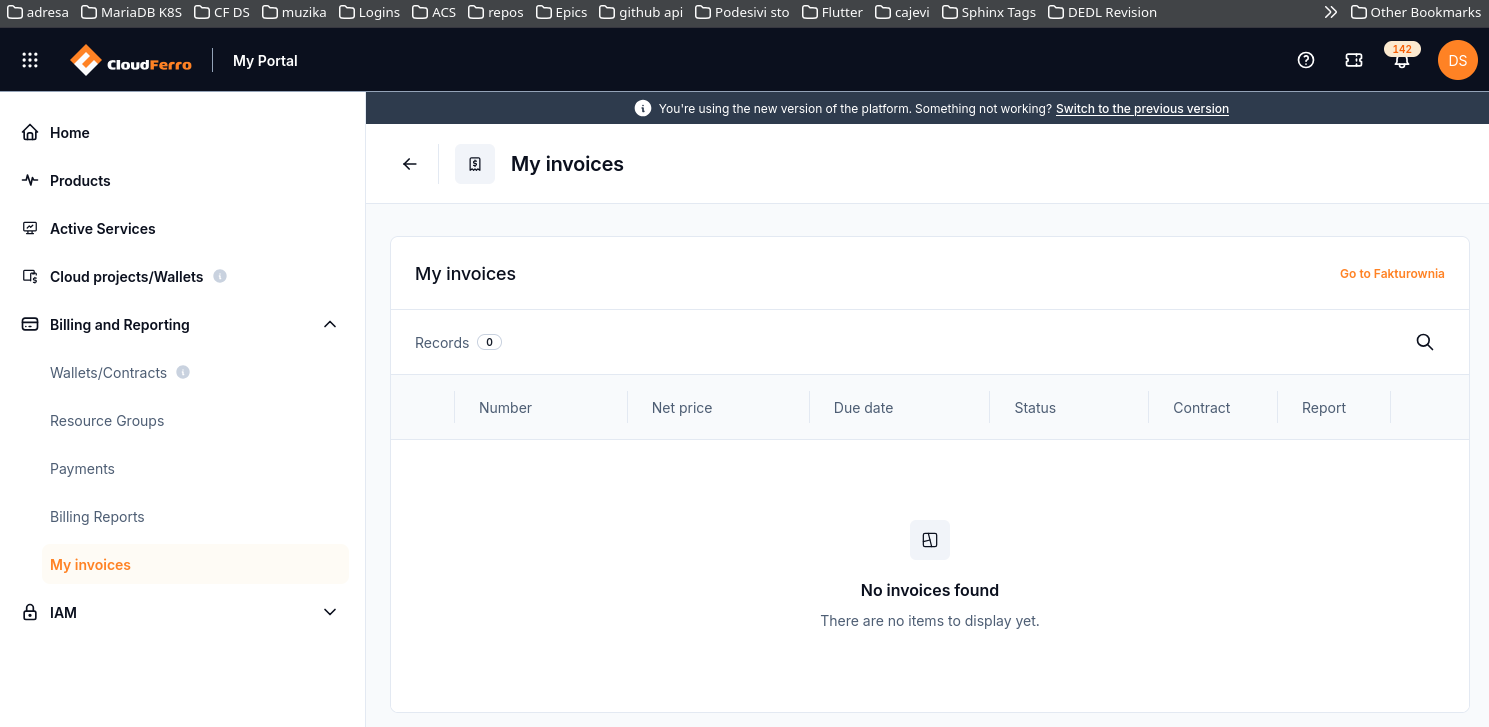
The invoice list includes a Go to Fakturownia link.
No invoices found means that the current view has no invoices to display. The screenshot illustrates that empty view.
Use Go to Fakturownia when you need to open the invoicing service from the portal.
If the expected invoice is missing or its information appears incorrect, report the invoice reference, if known, and the relevant billing period.
For an unexpected amount or missing record, use Billing and Reporting on CloudFerro Cloud to prepare a billing enquiry. For prepaid purchases, see Wallets/Contracts: review wallets and add Billing Units on CloudFerro Cloud.