
IAM on CloudFerro Cloud
To try CloudFerro Cloud, start with a personal account and complete authentication, then register or join an organization. The My Portal starting guide follows these steps through to trying a service and checking its usage.
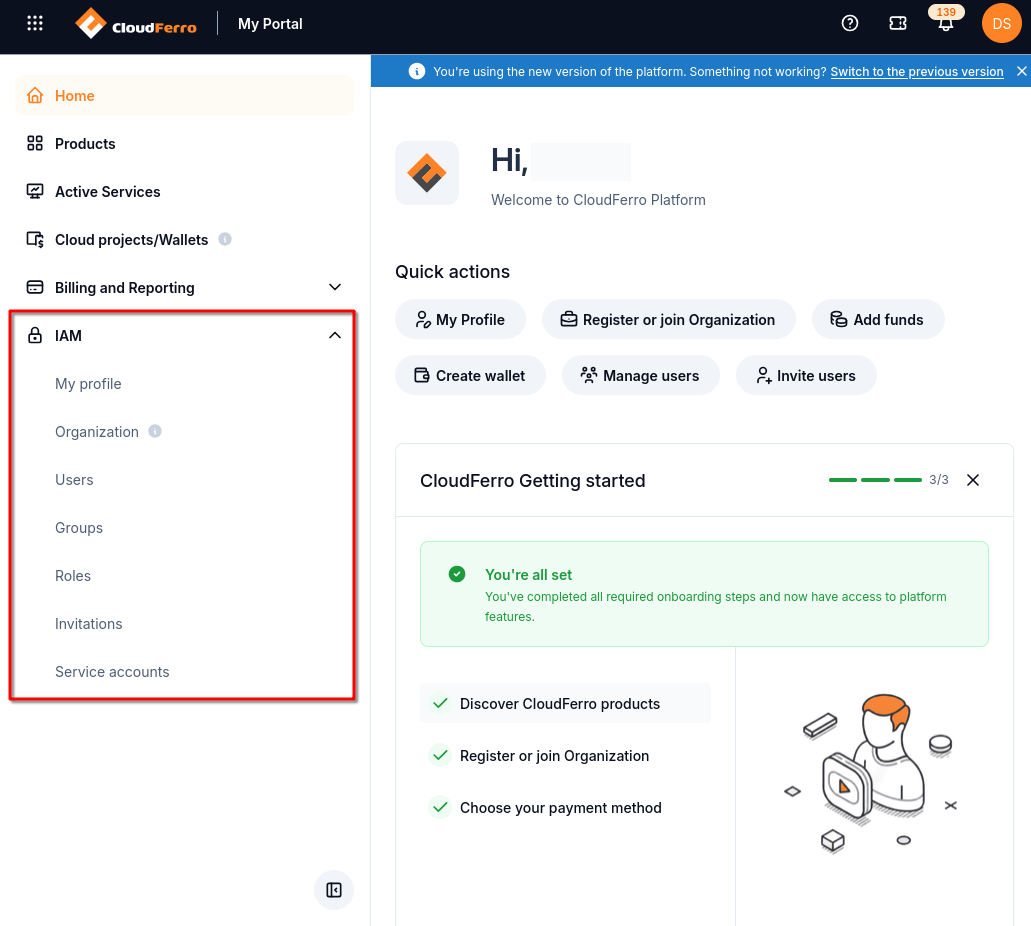
After signing in, expand IAM in the left-hand menu to open the account and organization pages.
Use Sign up first if you do not have an account. Choose either the mobile app or KeePassXC guide when you need to set up authentication. Then use Organization to register your organization, or Invitations to join an existing team.
Once signed in, IAM in the left-hand menu provides Identity and Access Management. My profile holds your personal details and password controls. Users, Groups, Roles, and Service accounts concern organization access.
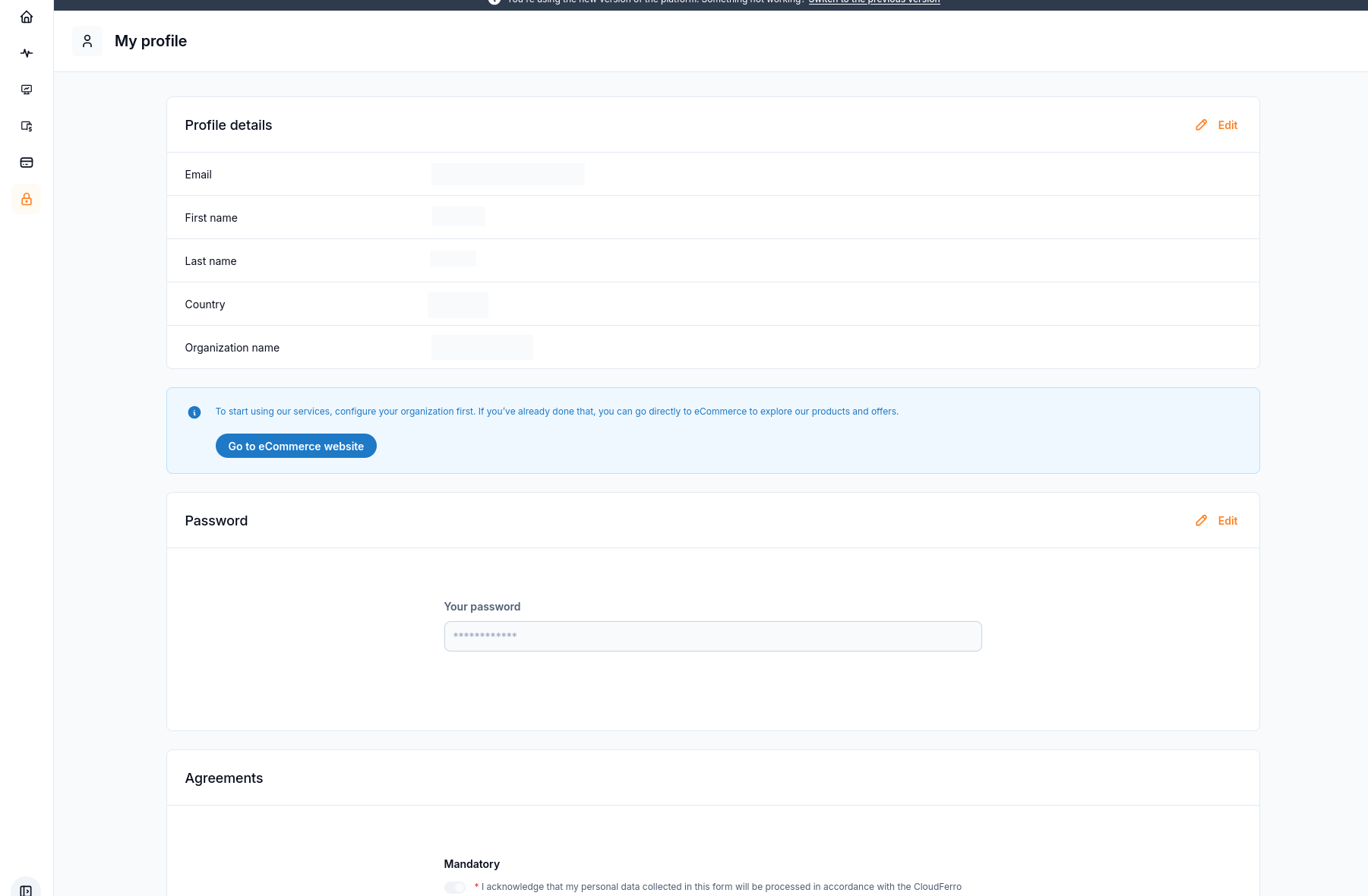
IAM → My profile opens your personal account settings, including the separate Password panel.
To change or reset your password, follow How to change or reset your My Portal password on CloudFerro Cloud. It covers both an intentional password change and recovery when you cannot remember the password.