
My profile: find your account information on CloudFerro Cloud
Use My profile to update your name, country, password, and agreements.
Open the view
Open IAM → My profile. The My Profile shortcut in Home → Quick actions provides another starting point.
For company billing details, use Register or join an organization in My Portal on CloudFerro Cloud.
Profile details, password, and agreements
The Profile details panel shows Email, First name, Last name, Country, and Organization name. Select Edit in that panel to open the profile editing controls.
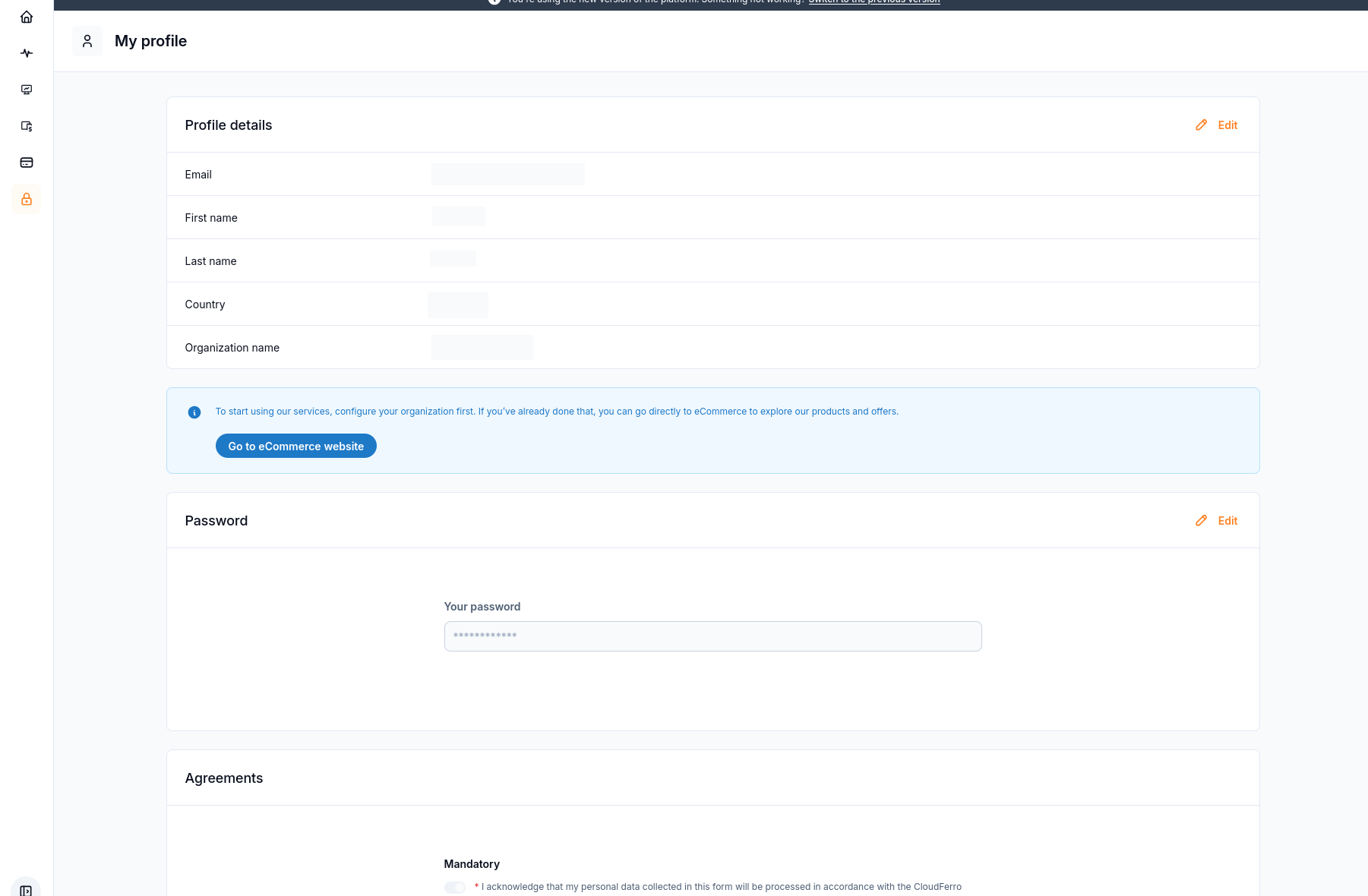
Profile information and the separate controls for account settings.
Edit your profile
In Profile details, select Edit.
In Edit profile, update First name, Last name, or Country. The form marks all three fields as required.
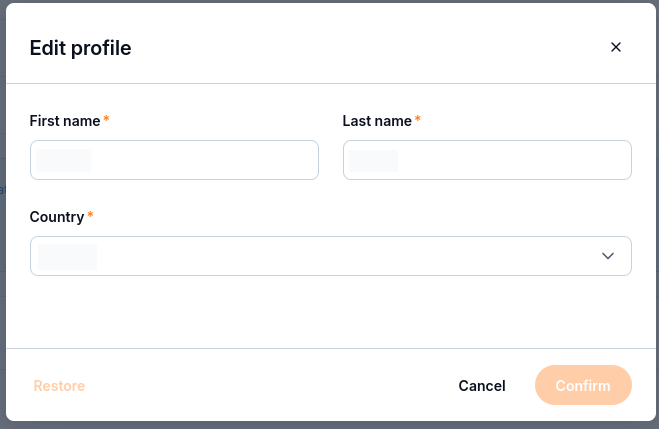
The profile editing form.
Select Confirm to submit the change, or Cancel to leave the form.
Check the details shown when you return to your profile.
Change your password
Use this route whenever you want or need to replace your password while signed in. If you cannot sign in, or prefer to reset it by email, follow How to change or reset your My Portal password on CloudFerro Cloud.
In the Password panel, select Edit.
Enter the new value in New password and repeat it in Confirm new password.
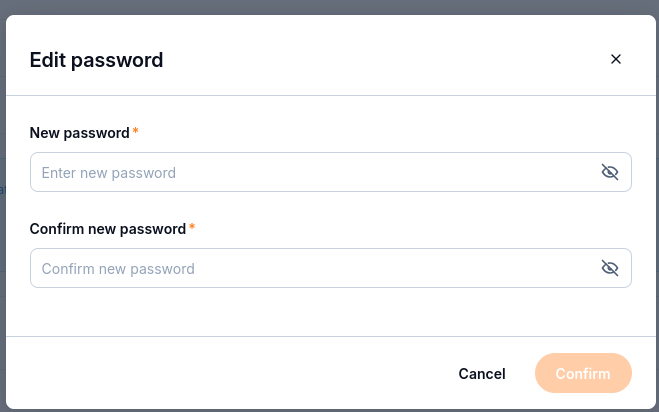
The password editing form.
Select Confirm and follow any validation message shown. Use Cancel to leave without submitting a change.
Agreements and organization setup
Scroll down to Agreements to review the Mandatory and Optional entries.
The page also includes a reminder to configure your organization and a Go to eCommerce website button. For organization details, use the organization guide linked above; for prepaid funds, see Wallets/Contracts: review wallets and add Billing Units on CloudFerro Cloud.