
Manage function versions and resources on CloudFerro Cloud
Updating code does not immediately replace the version running in the service. Build a new version, deploy it when it is ready, and keep an earlier version available when you need to roll back. The same portal also provides actions for stopping deployments and deleting resources.
Prerequisites
No. 1 Portal access and an existing function
Open Functions in the organization and region that contain your function. Follow Create and deploy a function on CloudFerro Cloud if you still need to create a namespace and build a function. Open the function in its namespace.
Edit source and build a new version
Open Source and select the version to use as your starting point.
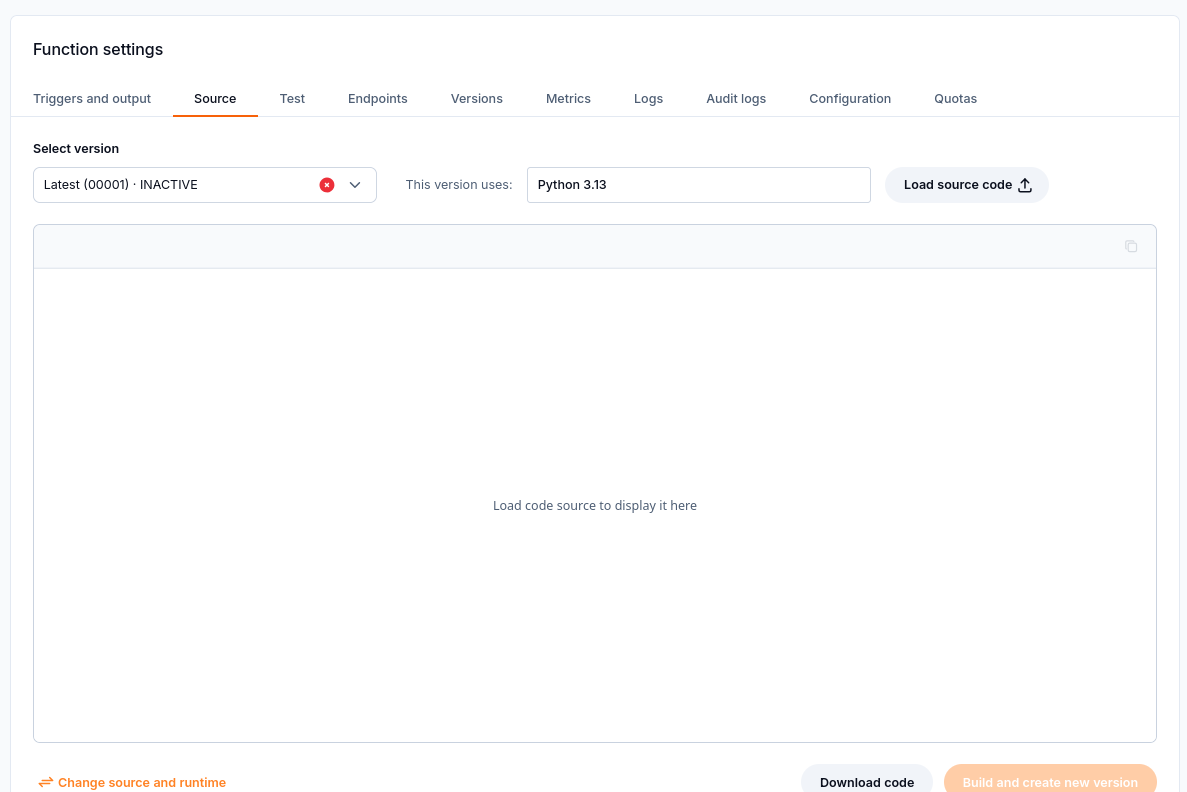
Select a source version and load its code before editing.
Load its code into the editor and select the source file you need to change.
Edit the code. Change the runtime for the new version if required.
Select Build and create new version and wait for the build to finish.
The Source tab also lets you download the code. Creating or changing a version does not deploy it automatically.
Manage versions and deployments
The Versions tab lists the versions available for the function. Refresh the list or filter by version ID, status, and runtime to find the version you need. You can change its description, inspect error details, and download its source.
Select the version you want to run and choose Deploy.
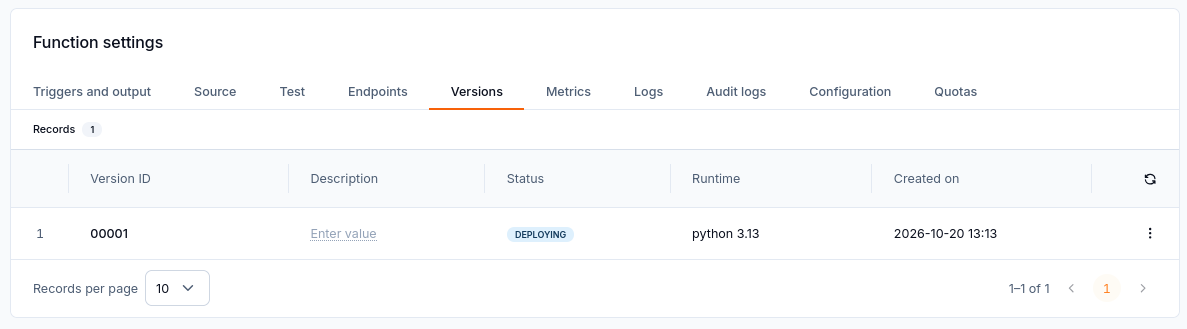
Version 00001 is Deploying; wait for deployment to finish.
Wait for deployment to finish and check that the function status is Active.
To roll back, deploy an older version. Terminate stops a deployment; a stopped version can be deployed again. A version can be deleted when its state allows that action.
Open the version action menu to see which operations are available in its current state. During a deployment, some actions may be disabled. Wait for the status to change before choosing an action that is unavailable.
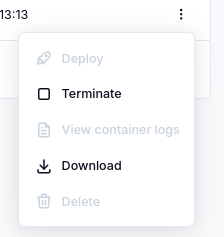
Version actions depend on its state; Deploy is disabled in this example.
Delete a function or namespace
Before you delete a function:
Check the triggers and outputs.
Stop application traffic.
Download any source you still need.
Delete the function.
Before you delete a namespace, delete every function in it.
What to do next
After deploying a version, check it with Test a function and manage its endpoints on CloudFerro Cloud. Use Monitor and troubleshoot Functions on CloudFerro Cloud to inspect version-specific logs or build errors.