
Functions terminology on CloudFerro Cloud
The introduction followed sum-numbers from the portal to a response containing total: 60. Several objects were involved: a namespace held the function, a version identified its code, and a request called the deployed version. These terms help you recognize what each screen creates or changes.
Namespace, function, and version
A namespace is a container for functions. In the example, function1 is the namespace name and sum-numbers is the function name. Opening a namespace shows its details and its own Functions list; creating the namespace does not create a function inside it.
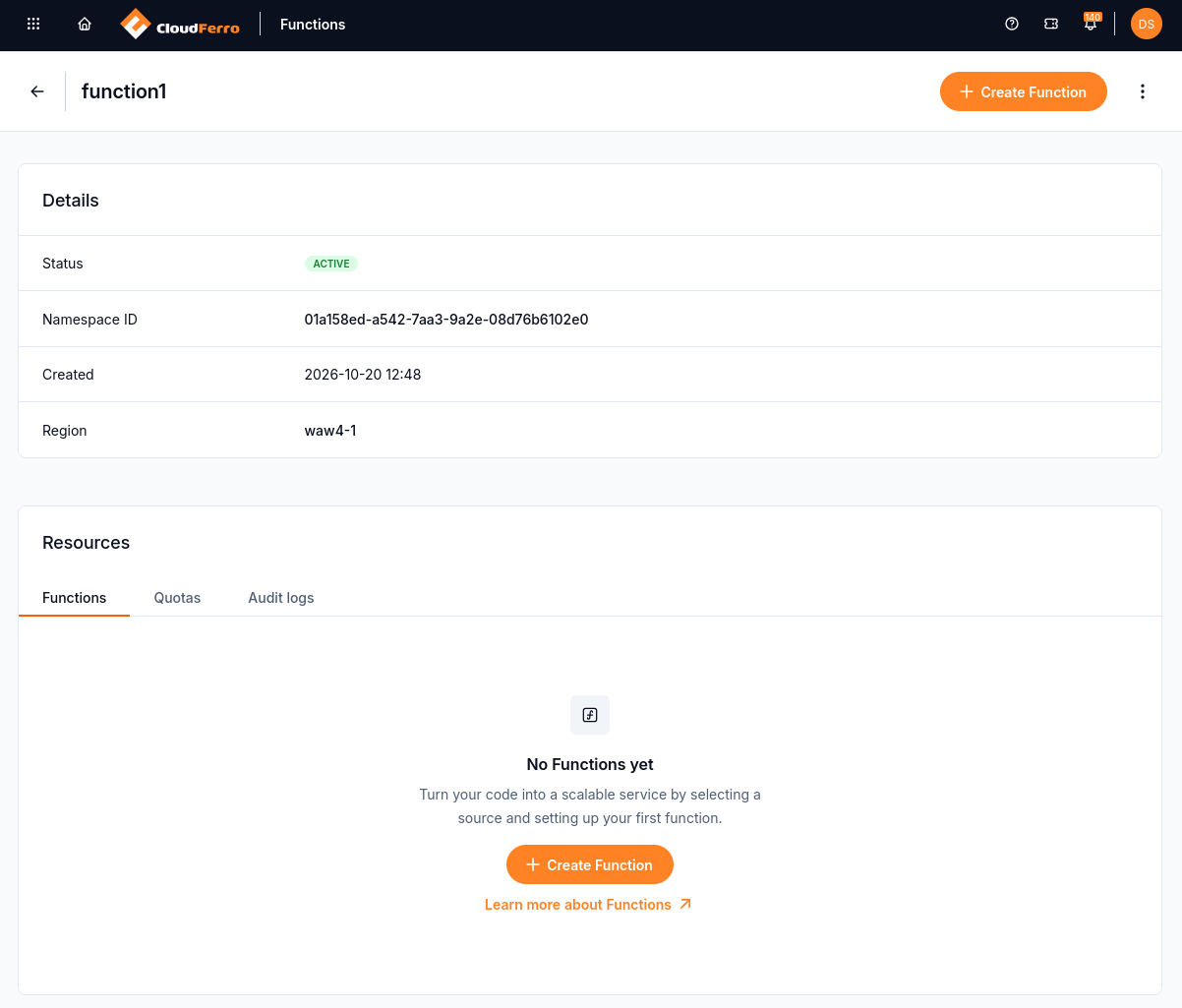
The namespace function1 is active, but its Functions list is still empty.
Term |
Meaning in the example |
|---|---|
Region |
The data center where the resources run. Select it before creating the namespace; create forms show it as read-only. |
Namespace |
A logical container for functions and the isolation boundary in the cluster. The example uses function1. Its name follows DNS-1035 and is at most 57 characters. |
Function |
Code plus its runtime, port, path, flavor, scaling, and privacy settings. The example function is sum-numbers. |
Version |
A version of the source or image that can be deployed. Building prepares it; Deploy makes the selected version run. You can also terminate a deployment, download its source ZIP, or delete a version when its state permits. |
An active namespace and a successful build do not mean that the function is deployed. The creation and deployment guide distinguishes these states, while Manage function versions and resources on CloudFerro Cloud covers later changes and rollback.
Runtime, template, and resources
The runtime is the language environment used to build and run the code. A source template supplies the files and entry point expected by that runtime. The example selects Python 3.13 and edits the generated func.py, keeping the new() entry point and Function.handle() method.
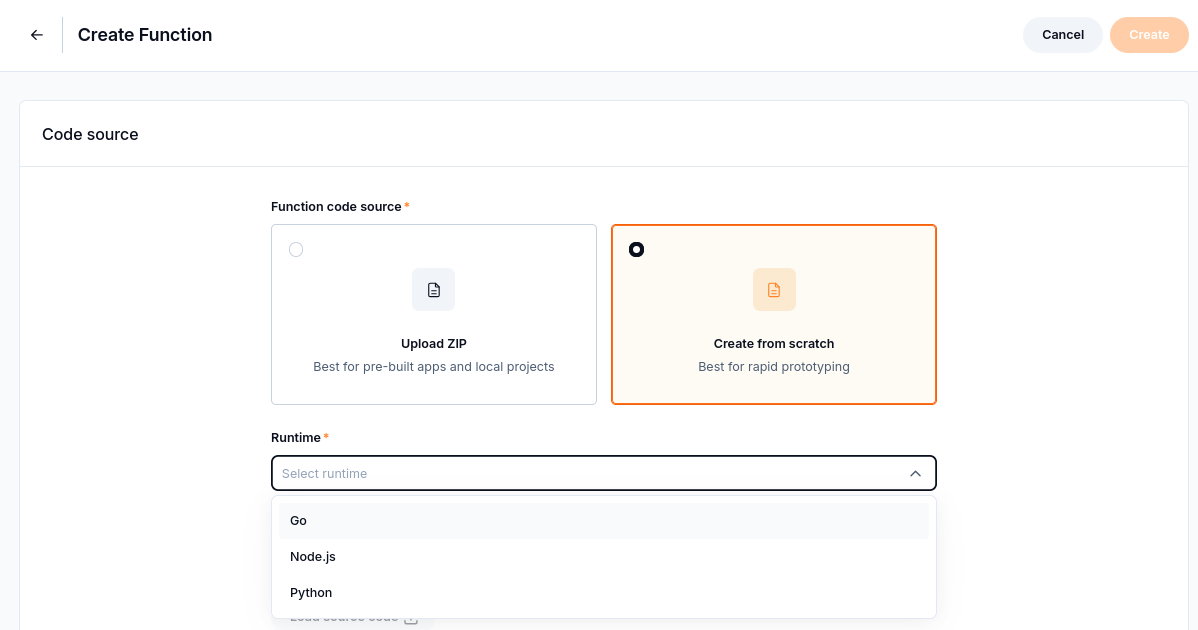
Choose a runtime from the languages offered by the catalogue.
A flavor is the CPU and RAM package available to each running copy of the function. A replica is one such copy. Scaling settings control how many replicas run, and the timeout limits how long a request may take. Configure function resources and scaling on CloudFerro Cloud explains those choices, including scaling to zero and the delay while an idle function starts again.
Request, endpoint, trigger, and output
The first exercise sends an HTTP request from Test and reads its response. Messaging and scheduled tasks add other ways to invoke the same service.
Term |
Meaning |
|---|---|
Request body |
The input sent to the function. For sum-numbers, it is JSON containing a numbers list. |
Response |
The HTTP status and body returned by the code. The successful example returns status 200 and a total of 60. |
Endpoint |
An address used to reach the function. A private endpoint is not directly reachable from the internet; a public endpoint allows external callers. |
Trigger |
An event source that invokes the function: RabbitMQ, NATS, or a CRON schedule. |
Output |
The destination for a result sent to another service, such as a RabbitMQ queue, NATS stream, or another function. |
CloudEvents |
A shared event format used to carry events over HTTP POST. The portal offers it through the Event-driven test type. |
Use Test a function and manage its endpoints on CloudFerro Cloud for the request and response fields. The separate triggers and outputs guide covers event sources and destinations.
What to do next
Follow Prepare your first function on CloudFerro Cloud to sign in to the right organization, select the region, and prepare the two Python files. You will then have the inputs needed to create sum-numbers.